Jouer
Propulsé par EmulatorJS · Arcade
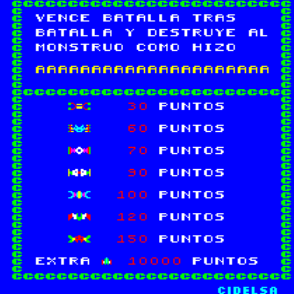
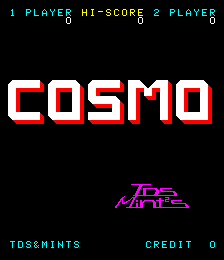
Tirer sur des cibles dans ce jeu de tir de style galerie nécessite de la précision pour éliminer les vagues d'ennemis. Les joueurs parcourent des séquences de combat rapides qui testent leurs réflexes et leur précision de visée contre les menaces entrantes. L'utilisation du mécanisme de tir rapide permet d'éliminer les amas denses d'ennemis, tandis que la gestion des niveaux de munitions oblige les joueurs à chronométrer leurs tirs avec soin pour garder le contrôle lors d'intenses poussées ennemies.
Player layout in our catalog: 2P alt.
If you are exploring by feel rather than by title, jump from the tags above into the matching genre rooms, or return to the Arcade hall for the full wall.
Open Play on this page to start Cosmo. Keyboard, USB/Bluetooth pads, and the on-screen touch gamepad all work inside the emulator bar. Save states and fullscreen live on that same bar so you can pause mid-session and resume later.
Cosmo is filed in our catalog as a 1979 release.
Player layout on this cabinet: 2P alt.
Genre tags on Classic Arcade Games: Shooter.
Credit line lists TDS & MINTS as developer.

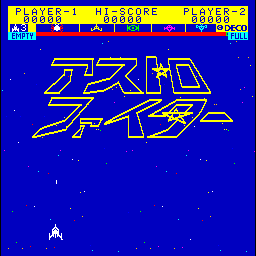
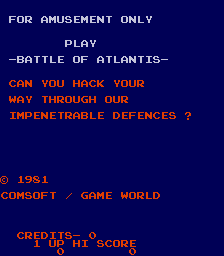
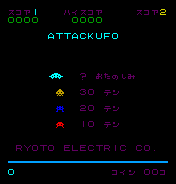
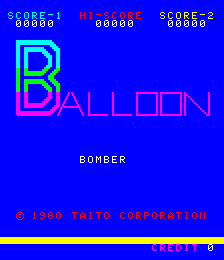
Nearby cabinets you may also open from this hall (each on its own play page):Black Hole, Altair, Asteroids Deluxe (rev 3), Asteroids (rev 4), Astro Blaster (version 3), Astro Fighter (set 1), Battle of Atlantis (set 1), Attack UFO, Balloon Bomber, Safari (Bambino), Boot Hill, Boxing Bugs
Black Hole · Altair · Asteroids Deluxe (rev 3) · Asteroids (rev 4) · Astro Blaster (version 3) · Astro Fighter (set 1) · Battle of Atlantis (set 1) · Attack UFO · Balloon Bomber · Safari (Bambino) · Boot Hill · Boxing Bugs
TDS & MINTS appears on this cabinet’s credit line. Browse more titles from the same studio on the developer shelf, or stay on this page and try the next cabinets in the same hall.
Yes. Classic Arcade Games hosts Cosmo as a Arcade cabinet you can start on this page. The emulator loads in the browser; you do not need to install a separate app.
Arcade stick feel: Arrow keys for the joystick, X/Z (and nearby keys) for buttons, Enter=Start. USB / Bluetooth pads map cleanly; six-button fighters use the face-button cluster.
Our catalog tags Cosmo under Shooter. Open those genre rooms from the tags on this page to find more playable cabinets in the same feel.
Copiez le code iframe ci-dessous pour intégrer ce jeu sur votre site.
<iframe src="https://fr.classicarcade.games/games/arcade/cosmo?embed=1" width="800" height="600" allowfullscreen allow="gamepad; autoplay; fullscreen"></iframe>