Jouer
Propulsé par EmulatorJS · Arcade
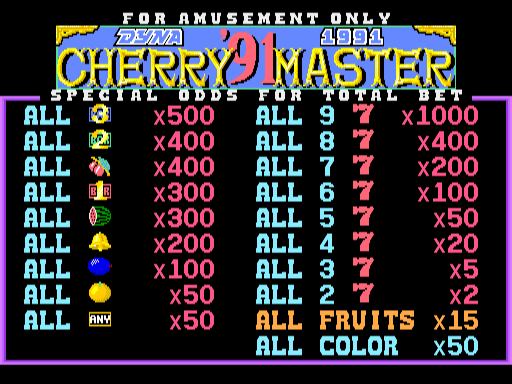
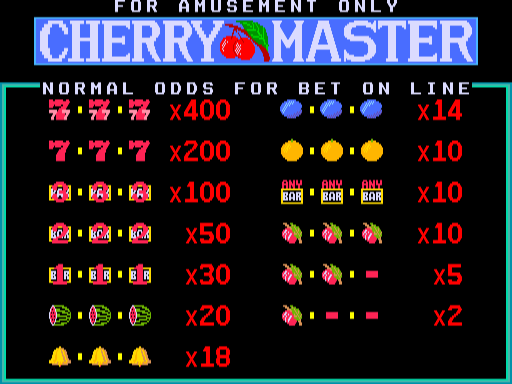
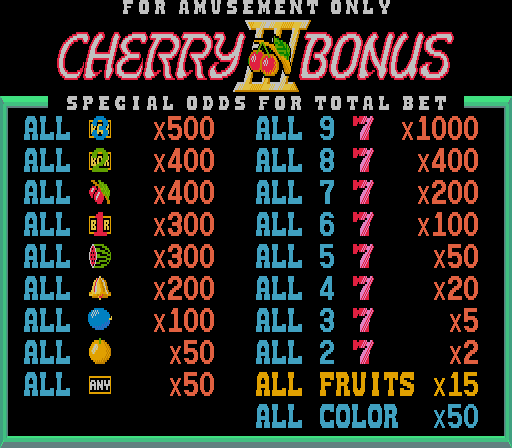
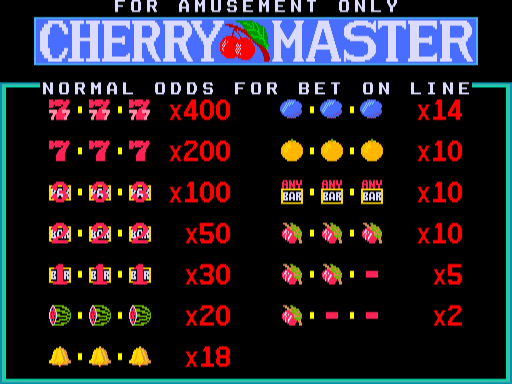
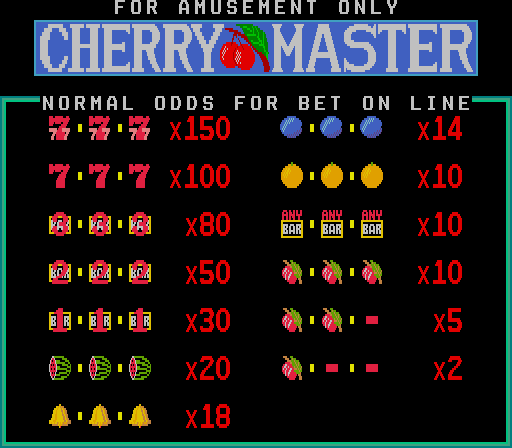
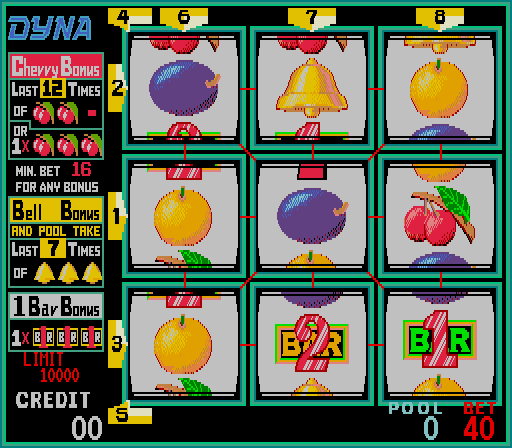
Les mécanismes de la machine à sous vidéo à 8 lignes pilotent cette machine de type échange, dans laquelle les joueurs visent à faire correspondre des symboles pour gagner des billets ou des jetons. Ce bootleg développé par Dyna fonctionne comme une réédition de Cherry Master I, utilisant une interface vidéo pour gérer les tours de symboles et la distribution des paiements pour le plaisir.
Player layout in our catalog: 1P.
If you are exploring by feel rather than by title, jump from the tags above into the matching genre rooms, or return to the Arcade hall for the full wall.
Open Play on this page to start Cherry Master. Keyboard, USB/Bluetooth pads, and the on-screen touch gamepad all work inside the emulator bar. Save states and fullscreen live on that same bar so you can pause mid-session and resume later.
Cherry Master is filed in our catalog as a 1995 release.
Player layout on this cabinet: 1P.
Genre tags on Classic Arcade Games: Slot Machine.
Credit line lists Dyna as developer.
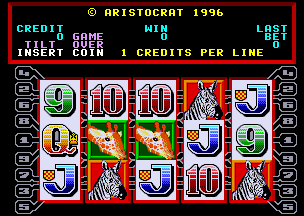
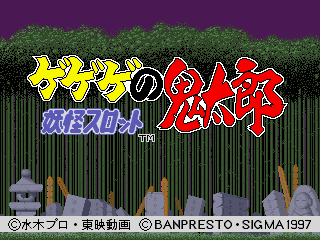
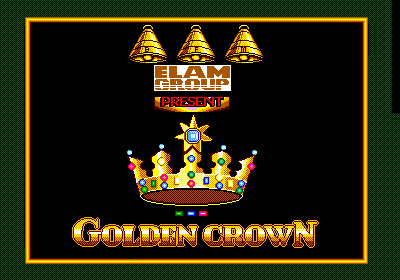
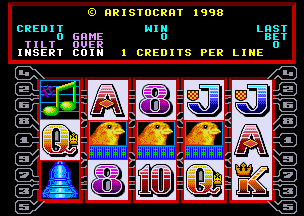
Nearby cabinets you may also open from this hall (each on its own play page):Cherry Master (Corsica, ver.8.01), Cherry Master '91, Cherry Master I, Cherry Bonus III, Tetris + Cherry Master (Corsica, v8.01, set 1), 3 Bags Full (5VXFC790, Victoria), Black Rhino (3VXFC5344, New Zealand), GeGeGe no Kitarou Youkai Slot, Golden Crown (Dutch, Game Card 95-752-011), Golden Canaries (1VXFC5462, New Zealand), Happy Jackie (v110U), K.G. Bird (4VXFC5341, New Zealand, 5c)
Cherry Master (Corsica, ver.8.01) · Cherry Master '91 · Cherry Master I · Cherry Bonus III · Tetris + Cherry Master (Corsica, v8.01, set 1)
Cherry Master (Corsica, ver.8.01) · Cherry Master '91 · Cherry Master I · Cherry Bonus III · Tetris + Cherry Master (Corsica, v8.01, set 1) · 3 Bags Full (5VXFC790, Victoria) · Black Rhino (3VXFC5344, New Zealand) · GeGeGe no Kitarou Youkai Slot · Golden Crown (Dutch, Game Card 95-752-011) · Golden Canaries (1VXFC5462, New Zealand) · Happy Jackie (v110U) · K.G. Bird (4VXFC5341, New Zealand, 5c)
Dyna appears on this cabinet’s credit line. Browse more titles from the same studio on the developer shelf, or stay on this page and try the next cabinets in the same hall.
Cherry Master (Corsica, ver.8.01) · Cherry Master '91 · Cherry Master I · Cherry Bonus III
Yes. Classic Arcade Games hosts Cherry Master as a Arcade cabinet you can start on this page. The emulator loads in the browser; you do not need to install a separate app.
Arcade stick feel: Arrow keys for the joystick, X/Z (and nearby keys) for buttons, Enter=Start. USB / Bluetooth pads map cleanly; six-button fighters use the face-button cluster.
Yes — related series cabinets on this site include Cherry Master (Corsica, ver.8.01), Cherry Master '91, Cherry Master I, Cherry Bonus III, Tetris + Cherry Master (Corsica, v8.01, set 1). Each has its own play page with the same browser emulator path.
Copiez le code iframe ci-dessous pour intégrer ce jeu sur votre site.
<iframe src="https://fr.classicarcade.games/games/arcade/cmv4?embed=1" width="800" height="600" allowfullscreen allow="gamepad; autoplay; fullscreen"></iframe>